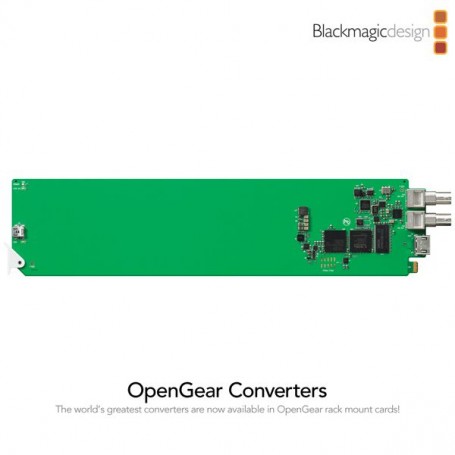

Blackmagic Design OpenGear Converter - HDMI to SDI

Il sito Cameratech rispetta tutte le normative sulla sicurezza e privacy

Entro 24h e 48h in tutta Italia e all'estero con FEDEX TNT UPS

Tutti i prodotti su cameratech.it sono coperti da garanzia ufficiale della casa costruttrice.
Replace the blank module with the Blackmagic rear module which was included with your Blackmagic OpenGear Converter. First, insert the foot of the Blackmagic rear module in to the module seating slot. Next, secure the module with the previously saved screw and O-ring. Any I/O connectors and descriptions, on the Blackmagic rear module, should face outwards.
Installing your Blackmagic OpenGear Converter card
Ensure that electrostatic discharge precautions have been taken when touching the openGear™ frame and the Blackmagic OpenGear Converter.Use a number 01 size Phillips head screwdriver to unscrew and remove a blank rear I/O module, from the rear of the frame. Save the screw and the rubber O-ring for use with the Blackmagic rear module. The blank module can be discarded.On the front of the frame, press the two, door catches toward each other.While pressing the door catches together, pull the door outwards as if opening a drawer. The two frame extender arms will appear as the door is withdrawn